
A spa owner in our community told me recently that she has been wanting to try Claude for months.
Everyone is talking about it. She keeps seeing it recommended. She knows her ChatGPT setup is not doing everything she needs it to do. But every time she opens Claude and stares at the blank screen, she closes it and goes back to ChatGPT.
Not because ChatGPT is better. Because starting over feels impossible.
She cannot remember exactly what she put in her custom GPT instructions. Her best prompts are buried across forty different chat threads. The version of AI that finally started sounding like her took months of trial and error to get right, and she has no idea how to recreate it somewhere new. So she stays put, using a tool she has outgrown, because the alternative feels like losing everything she built.
This is the AI trap most aesthetic practice owners are stuck in right now and it has nothing to do with which platform is better.
Here is what most of us do when we start using AI tools in our practices: we open ChatGPT, type something in, get a result, and slowly – over weeks and months – figure out the exact words that make it work for us. We build custom GPTs. We add instructions. We refine our prompts until the output finally sounds like something we would actually send.
And we store all of it inside the platform.
That is the problem.
ChatGPT is a tool. Claude is a tool. Whatever comes next, and something always comes next, is also a tool. Your business context, your voice, your prompts, your instructions? Those belong to you. And right now, they are probably living somewhere you do not control, in a format you could not easily move even if you wanted to.
The Spa CEOs who switch AI tools without losing a step are not more tech-savvy. They just figured out early that their AI is not in a platform. Their AI is in a document.
That document has a name. We call it the AI Operating Manual, and building it is the first thing we walk through inside the Growth Factor® Implementation program before we build anything else.
Here is why: inside Growth Factor®, we create detailed documents about your business — a three to five page Company Bio that tells AI who you are, and an equally robust Ideal Client Avatar that tells AI exactly who you are talking to. These documents are what make AI stop producing generic output and start producing content that sounds like it came from your practice. The AI Operating Manual is where those documents can be housed, along with your AI policies and top prompts.
At Addo Aesthetics, we use Google Drive to store all of our AI assets. You can think of your AI Operating Manual as the quick reference guide for where each of those assets lives, as your library continues to grow.
Once it exists, you can be fully operational in any AI tool in under five minutes. No rebuilding. No lost work. No staying stuck on a platform because the move feels too overwhelming.
Here is exactly what goes in it.
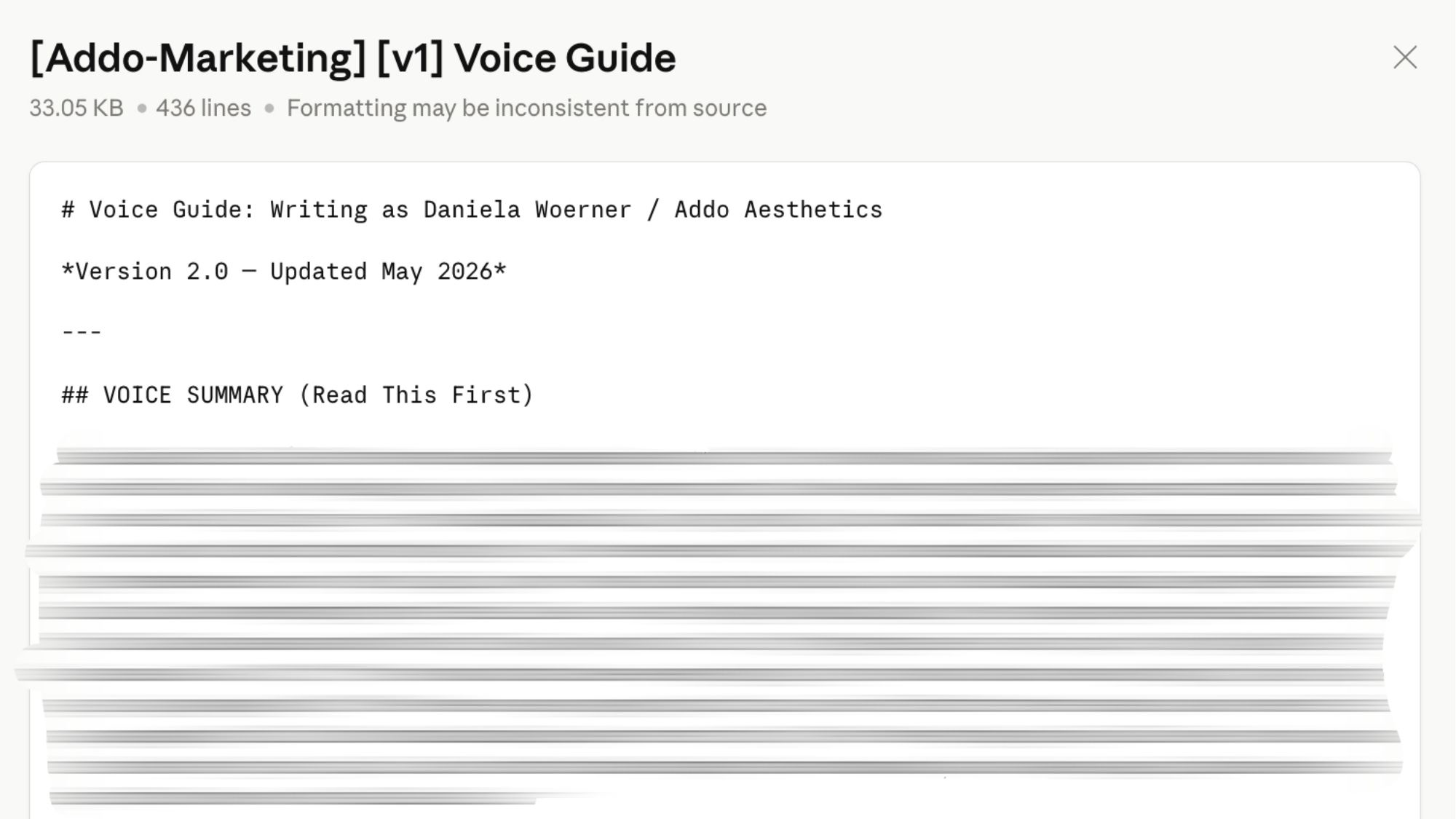
This is the piece that solves the problem you have probably already complained about: AI output that sounds like it was written by a well-meaning stranger.
It sounds like a stranger because, to the AI, you are one. Every time you open a new chat and type a request, the tool knows nothing about how you communicate, what words you use, what you would never say, or what your clients expect from your brand. So it defaults to the most generic version of professional it can produce.
Your Voice Document fixes that. It is two or three paragraphs, written once, that tell any AI tool exactly how you communicate.
It covers:
Your writing style. Are you warm and conversational? Clinically precise? Direct and no-nonsense? Give the AI three adjectives and then explain what each one actually means in practice.
Words you use. If you always say “skin health” instead of “skincare,” write that down. If you refer to your clients as guests, patients, or members, say so. These details are invisible to you because they are second nature. They are invisible to AI because it has never met you.
Words you never use. This is the one most people skip and then wonder why the output feels off. If you would never say “luxurious” or “transformative” or “cutting-edge,” write that down explicitly.
Three example sentences that sound exactly like you. Pull them from an email you have sent, a caption you actually posted, or a text to a client you are proud of. Real examples do more than any description.
Your Voice Document travels with you. Paste it at the top of any new chat or include it in the instructions of a project, and the AI immediately knows who it is writing for.
Imagine handing your front desk a task and then leaving the building before you explained what your practice does, who your clients are, or what makes you different. That is what you are doing every time you open a blank AI chat and type a request without context.
Your Business Context Block can start as one paragraph that gives any AI tool the foundation it needs to help you without generic output.
Start with:
- Practice name and location
- Services you offer (be specific — “injectables, laser treatments, and medical-grade facials” is more useful than “aesthetic services”)
- A one-sentence description of your ideal client
- Your pricing position (premium, accessible, medical-grade, or however you would describe it)
- What makes your practice different from the clinic three miles away
- Team size, if relevant to the task
This paragraph will eventually evolve into your Company Bio document, but getting started with a paragraph is a good beginning.
Most people approach AI like a blank page: they stare at it, type something approximate, get a mediocre result, and either edit it heavily or give up. The problem is not the tool. It is that they are reinventing the prompt every single time.
Your Top Prompts section is a saved library of the ten prompts you actually use. Not prompts from a blog post someone else wrote. Your prompts, for your specific use cases, tested until they produce output you can use.
If you have been using AI for a few months, you already have these. They are just scattered across browser history, saved chats, and your own memory. This section pulls them into one place.
Label each one clearly:
- Instagram caption prompt
- New client follow-up email prompt
- Google review request prompt
- Team update message prompt
- Service description rewrite prompt
When a prompt works, save it here. When you refine it, update it here. This becomes your personal AI playbook — and the first thing any team member uses when they start working with AI in your practice.
If you are using Google Drive, you can easily keep a separate document called your Prompt Library and link to it from within your AI Operating Manual to keep everything organized as your collection grows.
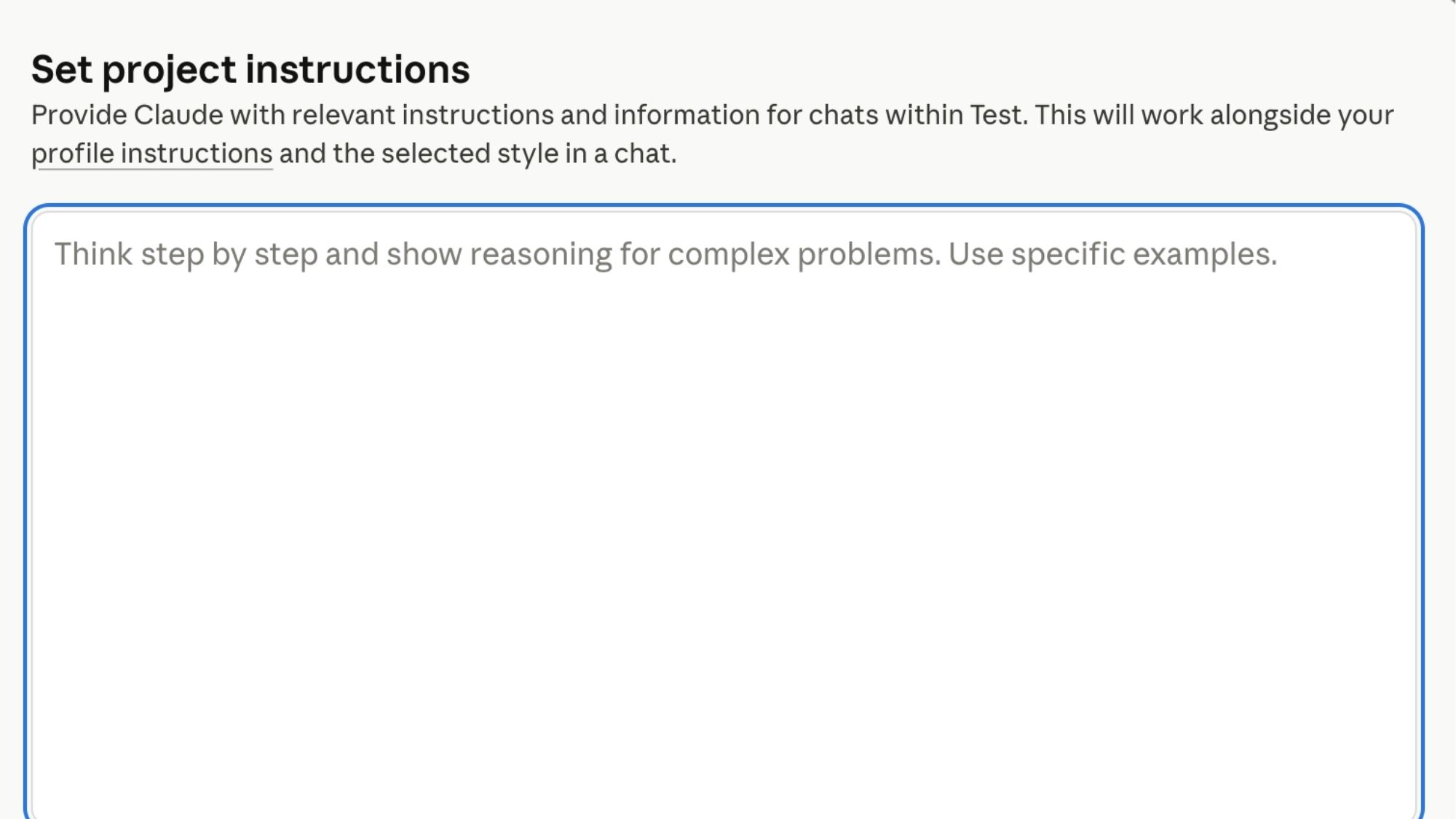
If you have built a custom GPT in ChatGPT or a Project in Claude, there are instructions inside that tool. Instructions you wrote, tested, and refined. Instructions that currently exist only inside a platform you do not own.
This section is simple: copy and paste those instructions here.
That is it. Open your custom GPT, go to the configuration, select all the text in the instructions field, and paste it into this section of your document. Do the same for any Claude Projects you have built.
When you have this saved, you can rebuild any AI tool from scratch in under fifteen minutes. You can also hand it to a team member or a tech-savvy hire and say: “Set this up for me.” They will have everything they need.
If you have not built a custom GPT or Claude Project yet, leave this section blank for now. You will fill it in when you do.
Bonus tip: If you have started building skills in Claude, make sure you are downloading those files and saving them in your Google Drive as well, with a link to that folder from your AI Operating Manual.

This one is short, and it is worth writing even if you have never thought about it before.
Medical and aesthetic practices operate in a space where client information is protected. Most AI marketing and operational tasks for a med spa or aesthetic practice never require patient data — you can write a compelling Instagram caption about your HydraFacial without mentioning a single client by name.
But it is worth writing down exactly where your boundaries are, once, so you and your team are not making that decision under pressure.
Here is a simple version you can adapt:
“We do not include patient names, treatment histories, contact information, before-and-after details tied to specific individuals, or any identifying information in AI prompts. All AI tools used in our practice are for general business operations and marketing only — not for anything that touches protected health information.”
One paragraph. Written once. Referenced whenever a team member is not sure.
You are not a HIPAA attorney, and neither am I. But having a written policy about how your team uses AI tools in your aesthetic practice is a reasonable, professional standard — and it takes five minutes to establish.
Your AI Operating Manual is a living document. The first version you build this week will not be your final version. Your Voice Document will get sharper as you figure out what is working. Your prompt library will grow. Your tool instructions will evolve as you add AI capabilities to your practice.
That is the point. This document grows with you — and it keeps all of that growth somewhere you actually own.
Here is what to do with it once it is built:
- Save it in Google Drive with your practice name in the title and today’s date
- Share view-only access with any team members who use AI in your practice
- Update it every time you refine a prompt or change your tool instructions
- Bring it out any time you try a new AI tool — paste Section 1 and Section 2 first, before you type a single request
The Spa CEOs in our Growth Factor® Implementation program who are building AI into their practices consistently — the ones who are starting expand their AI Spa Team — all have some version of this document. It is not glamorous. It is not the interesting part of AI adoption. But it is the difference between AI tools that work reliably and AI that has to be rebuilt from scratch on a Saturday.

Subscribe to Our Newsletter
Stay up-to-date with our email newsletter to receive important updates, news, and offers!

About the Author
Daniela Woerner is the founder of Addo Aesthetics and creator of the Growth Factor® Framework, a proven system that’s helped hundreds of spa owners build profitable, systemized businesses. With 20 years in the aesthetics industry, she transforms overworked service providers into confident Spa CEOs through strategy, systems, and soul-led support. Daniela is also the host of Spa Marketing Made Easy, a top-ranked podcast with over 1 million downloads, where she shares real-world strategies to help spa professionals grow with clarity and confidence.