

By now, you have probably been told to try ChatGPT. Then Claude. Then something else. Every few months there is a new tool, a new platform, a new reason to start over. If you are running a spa and seeing clients four days a week, keeping up with all of it is not realistic.
So this post is not going to tell you to add more. It is going to tell you exactly where to land, and what to do once you get there.
Claude is where we landed at Addo Aesthetics, and where I recommend spa owners start. Not because it is the newest option, but because the capabilities match what you are actually looking for: a tool that saves you real time and one you can have a genuine strategic conversation with. When you need to think through a pricing decision, a team situation, or a marketing direction, Claude does not just return a list of bullet points. It thinks with you. That is the difference that matters at this stage of your business.
When I first started playing with Claude, I would just write a few sentences in the instructions for the project. I uploaded all sorts of files but the instructions were really light. I see that all the time now with spa owners who are just starting to experiment with Claude.
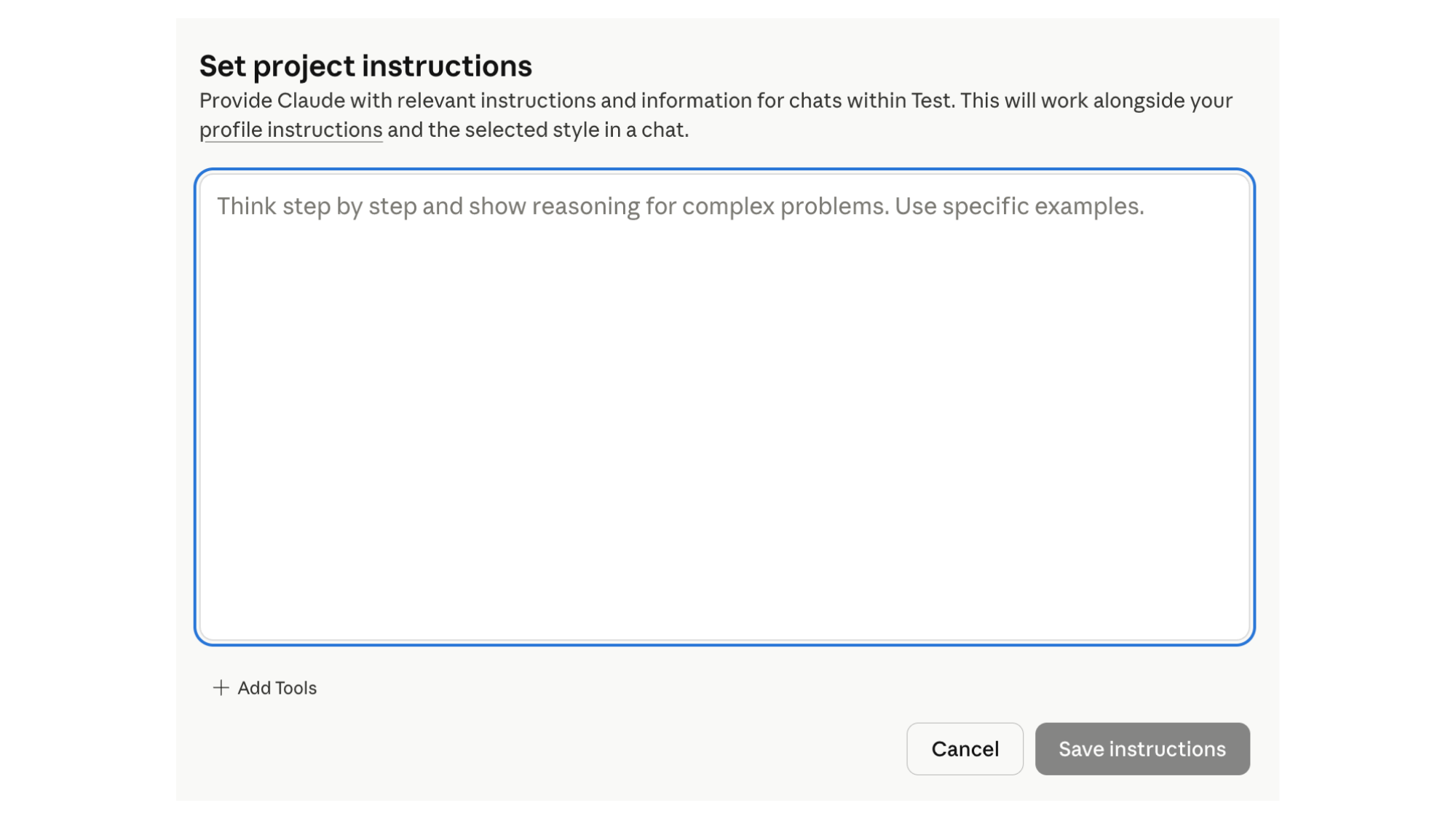
I have been in countless calls with spa owners who opened their Claude Project, typed a few lines into the instructions field, and moved on. The instructions say something like: The blog should be 500 words. It should be SEO optimized. It should sound conversational. Then they come back a week later frustrated that the output sounds nothing like them, that it keeps producing generic content, that they have to rewrite everything anyway.
Those are not project instructions that are going to get you the result you are looking for.
There is a real difference between writing instructions and giving Claude actual deliverables. Instructions tell it what you want. Deliverables tell it exactly what to produce, in what format, with what structure, and what to do every single time a specific situation comes up. Until you cross that line, the project will do passable work. It will not do consistent, reliable work.
The good news: you do not have to know how to write a system prompt from scratch. Claude will help you build one. That is the method we use at Addo, and it is exactly what I teach inside Growth Factor® Implementation.
This is a detail that matters. When you are building project instructions, you want to do it in a new chat that is not associated with any existing project. You are workshopping a document. You do not want Claude pulling from half-finished instructions while you are trying to build them.
Think of this chat as your drafting room. Nothing you write here is live yet. You are just building.
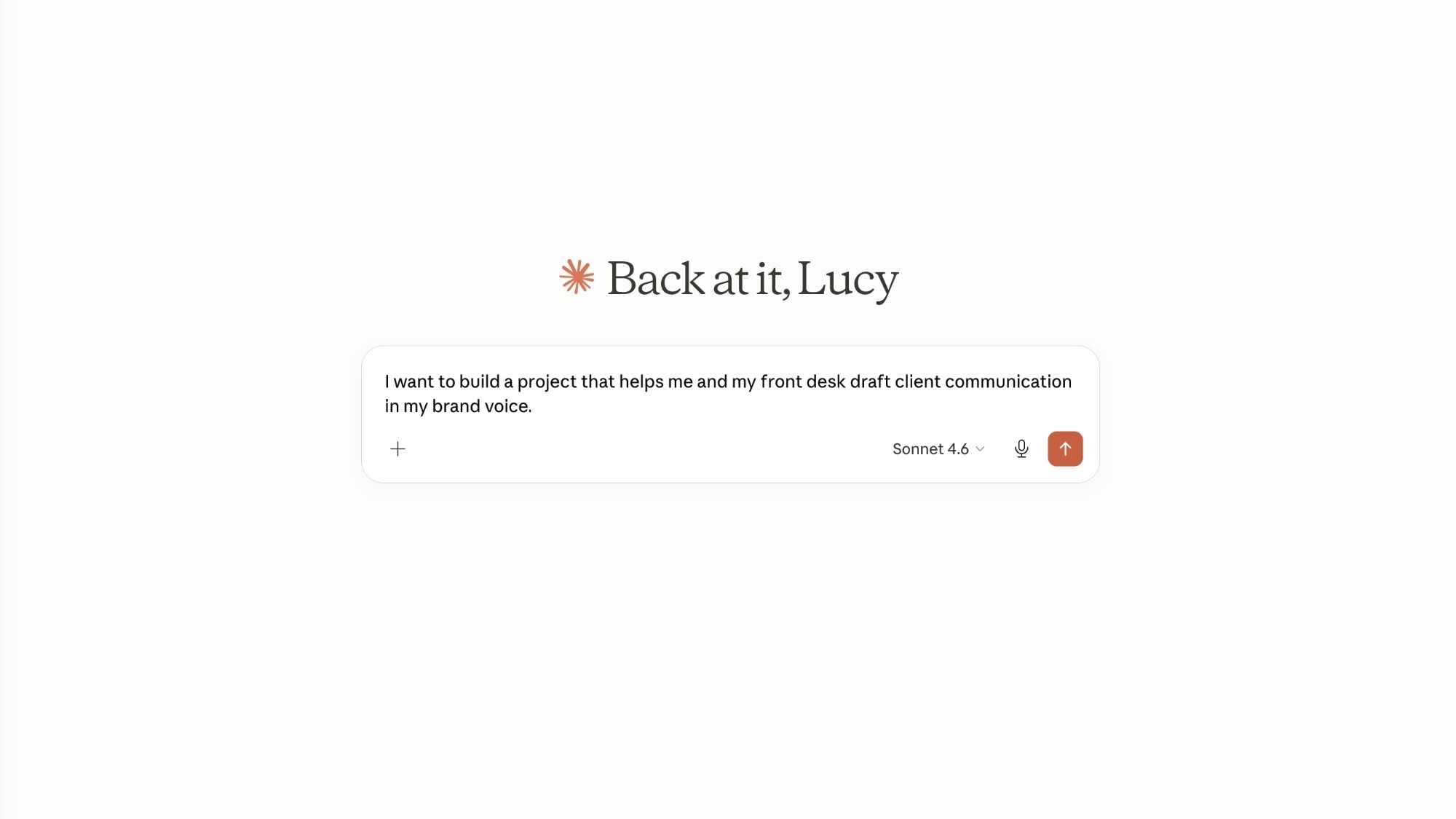
Start with one sentence that describes the job. Not the tools, not the features, not what you hope it will someday accomplish. The job.
Examples that work:
“I want to build a project that helps me and my front desk draft client communication in my brand voice.”
“I want a project that helps me think through monthly marketing strategy for my spa, one question at a time.”
“I want a project that helps me prepare for difficult conversations with my team.”
One project, one job. That is the rule. The moment you try to make one project handle marketing strategy and content writing and team communication, it loses focus and the output suffers. You end up prompting it one way and getting an answer calibrated for a completely different use case. You will have something that does everything passably and nothing well.
If you have multiple needs, that means multiple projects. They can be designed to work in sequence because they cannot talk to each other directly.

After you tell Claude what you want the project to do, ask it to interview you so it can build the instructions.
The prompt that works:
“Hi Claude, I want to build a project that [describes the job]. Can you ask me the questions you need answered in order to write the full project instructions? Ask one question at a time.”
Claude will ask you about your business, your clients, your voice, your non-negotiables, your preferences, and your goals. Answer each question honestly and specifically. The more specific your answers, the more precise the instructions it builds.
When I went through this process for the first time building our content project at Addo, I was surprised by some of the questions Claude asked. It pushed me on things like what language I would never use in our marketing, what topics I wanted to always redirect away from, and what format the final output should take every single time. I had strong opinions on all of it. I just had never written them down. That is what a good system prompt captures.
This interview process is what separates a project that works from a project that just exists. You are not writing the instructions. You are being drawn out so Claude can write them accurately from your actual answers.
When Claude has enough to work with, it will tell you. Then it will produce a full draft of your project instructions.
Once Claude produces the draft instructions, read through them before you paste them into your project. You are looking for two things.
First: anything time-specific that should be evergreen.
I have seen this happen more than once. An owner does the interview in November and the draft instructions reference their holiday promotion, their current team of two, a specific service they were launching that month. Three months later they open the project and wonder why it keeps generating content about a promotion that ended in December. If it is in the instructions, Claude will treat it as current context. The project runs forever. The instructions need to be written the same way.
Instead of hard-coding a specific campaign, the instructions should teach Claude how to receive a new brief each time you open a conversation.
Second: anything vague that needs to be a deliverable.
Instructions like “write in a warm tone” or “keep it professional” are not deliverables. They are suggestions. Strong instructions tell Claude exactly what the output looks like: the format, the length, the structure, what to include, and what to leave out. If you want the project to produce a client communication template every time you describe a situation, the instructions need to say that explicitly.
If something feels off, paste the draft back into your chat and say: this section feels too vague, help me make it more specific. Claude will revise it with you.
Once the instructions feel right, go into your project, open the instructions field, paste them in, and save. Then open a new conversation inside the project and test it.
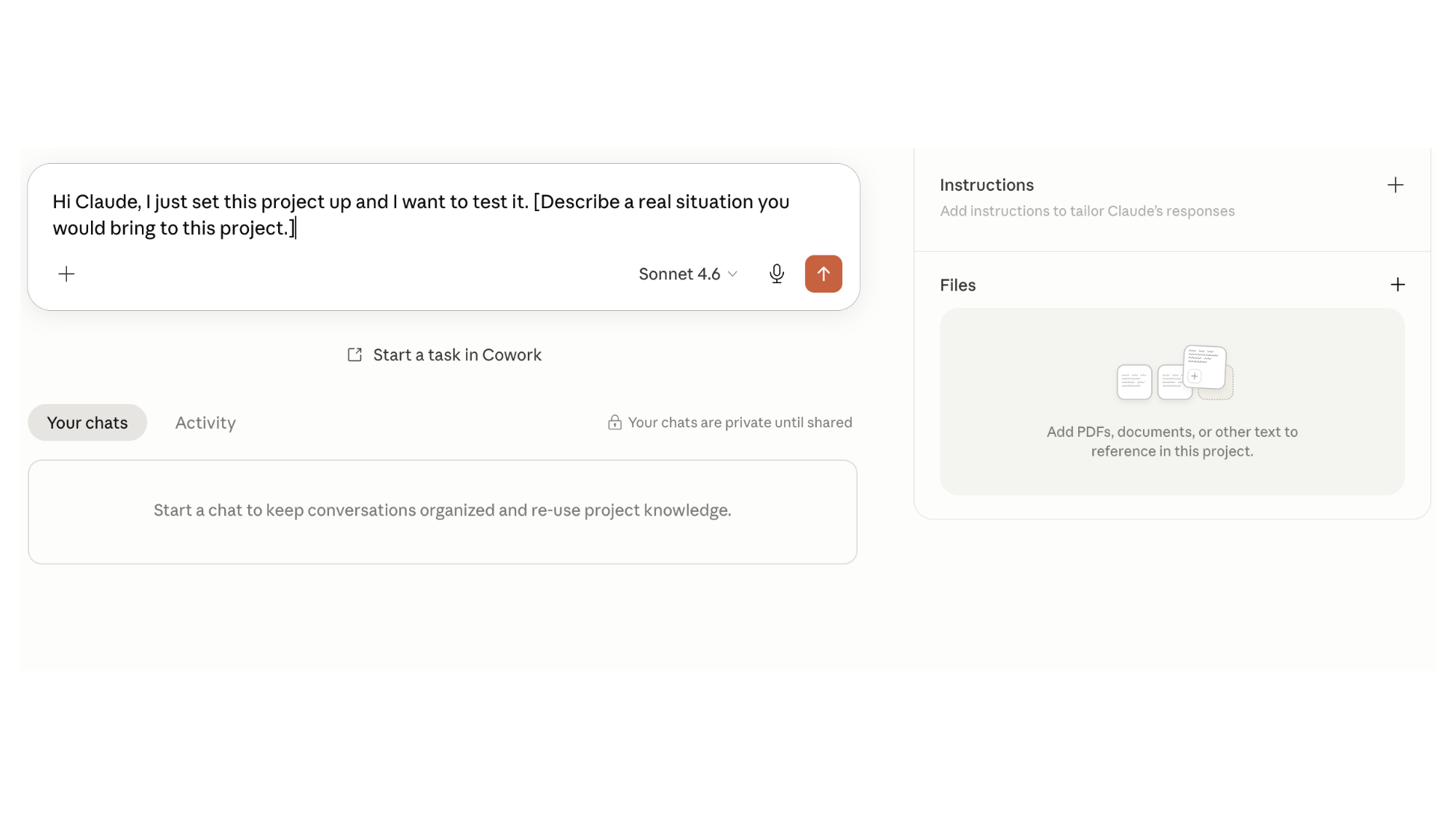
Use this prompt:
“Hi Claude, I just set this project up and I want to test it. [Describe a real situation you would bring to this project.]”
Watch how Claude responds. Is it asking the right questions? Is the tone right? Is the output formatted the way you described? If something is off, go back into the instructions and adjust. You are not locked into what you built today.
This is the part that most owners miss: project instructions are not a one-time setup. They are a living document. As your business evolves, as you add services, hire team members, or shift your marketing focus, the instructions evolve with you.
At Addo, we have Claude Projects running for coaching preparation, content execution, onboarding, and operations. Each one has one job. Each one was built through this same interview process. When a new team member joins, they do not have to guess how we communicate or what we produce. They open the project and it already knows. That is not a small operational advantage. That is what it looks like when the system carries the standard instead of relying on the person.
A well-built Claude Project does not just save time on writing. It captures how you think, how your business operates, and how your brand communicates, in a way that any team member can access at any time.
The spa owners who get the most out of their AI Spa Team are not the ones who spend the most time in it. They are the ones who built the instructions correctly at the start, so the tool works for them instead of the other way around.
If you have been meaning to set this up but keep putting it off, start with one project this week. Pick your biggest time drain. Tell Claude what you need. Let it interview you. The whole process takes about an hour, and once it is done, you have something that works for your business every single day going forward.
That is not a small thing.

Subscribe to Our Newsletter
Stay up-to-date with our email newsletter to receive important updates, news, and offers!

About the Author
Daniela Woerner is the founder of Addo Aesthetics and creator of the Growth Factor® Framework, a proven system that’s helped hundreds of spa owners build profitable, systemized businesses. With 20 years in the aesthetics industry, she transforms overworked service providers into confident Spa CEOs through strategy, systems, and soul-led support. Daniela is also the host of Spa Marketing Made Easy, a top-ranked podcast with over 1 million downloads, where she shares real-world strategies to help spa professionals grow with clarity and confidence.